Browse with focus
Move through your Plex libraries, genres and collections with a clear, TV-first layout.
 Account opening soon ↗
A premium, TV-first way to browse and play your own Plex library—with a clean interface designed around the screen in front of you.
LumaPlay is an independent player. Plex provides the server and your media library.
How it works →LumaPlay gives your Plex library a focused, remote-friendly interface. Keep your media on your Plex Media Server and browse it through a player built for big screens.
Link LumaPlay to Plex with a short code. Your device gets a friendly name so it’s easy to recognise and remove later.
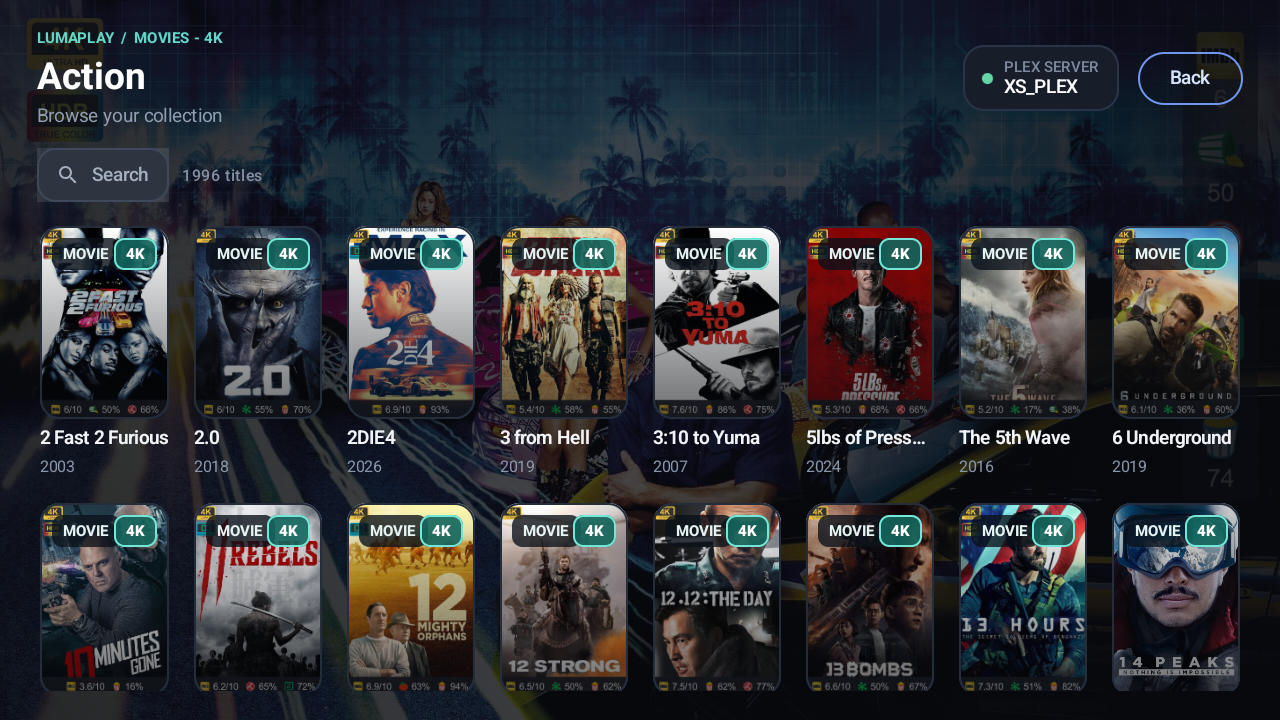
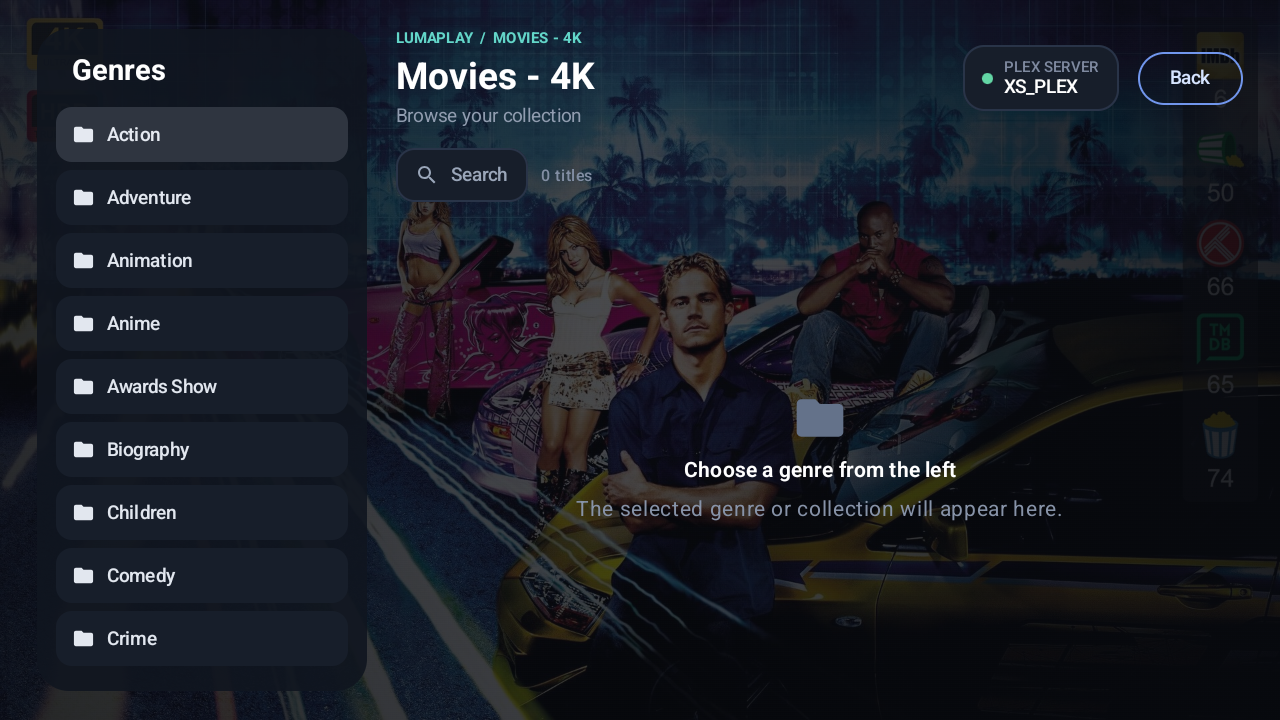
Move through your Plex libraries, genres and collections with a clear, TV-first layout.
Continue watching, resume playback, or choose an episode from the series.
Choose audio and subtitle preferences, and adjust Plex playback quality when needed.
Explore the Plex interface with these real Android TV screens.
 Server Name
 Server Name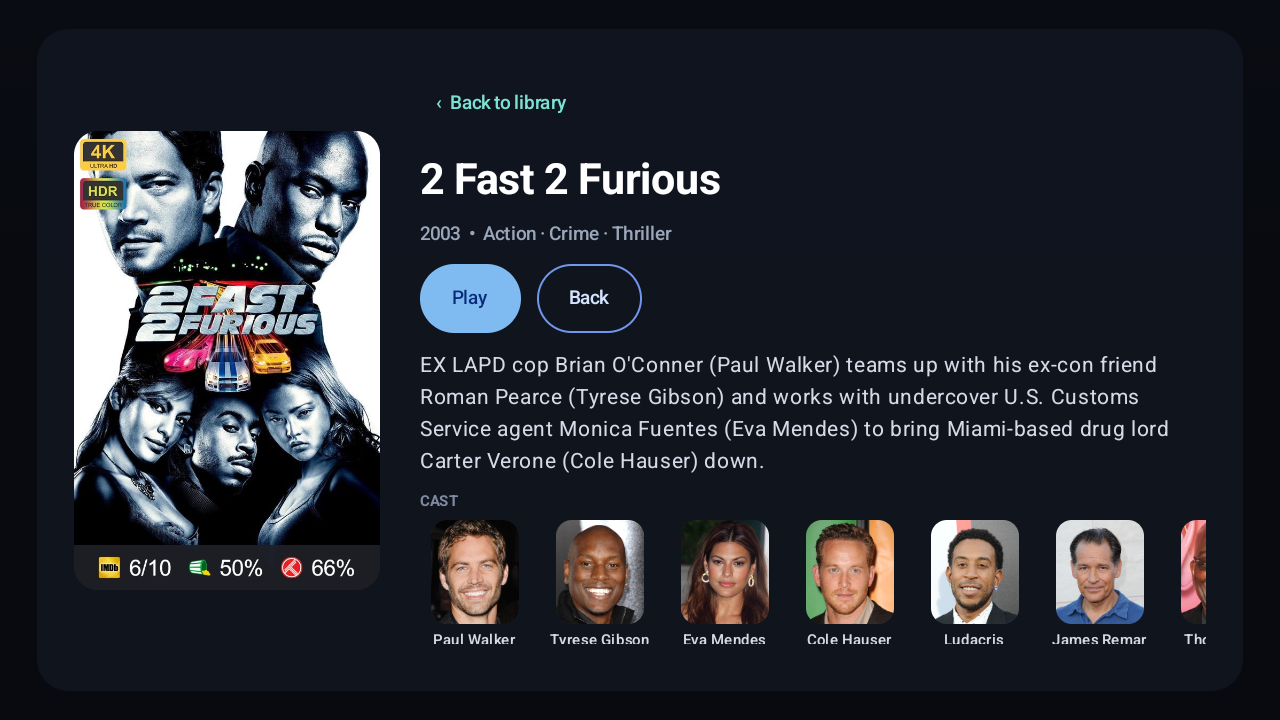
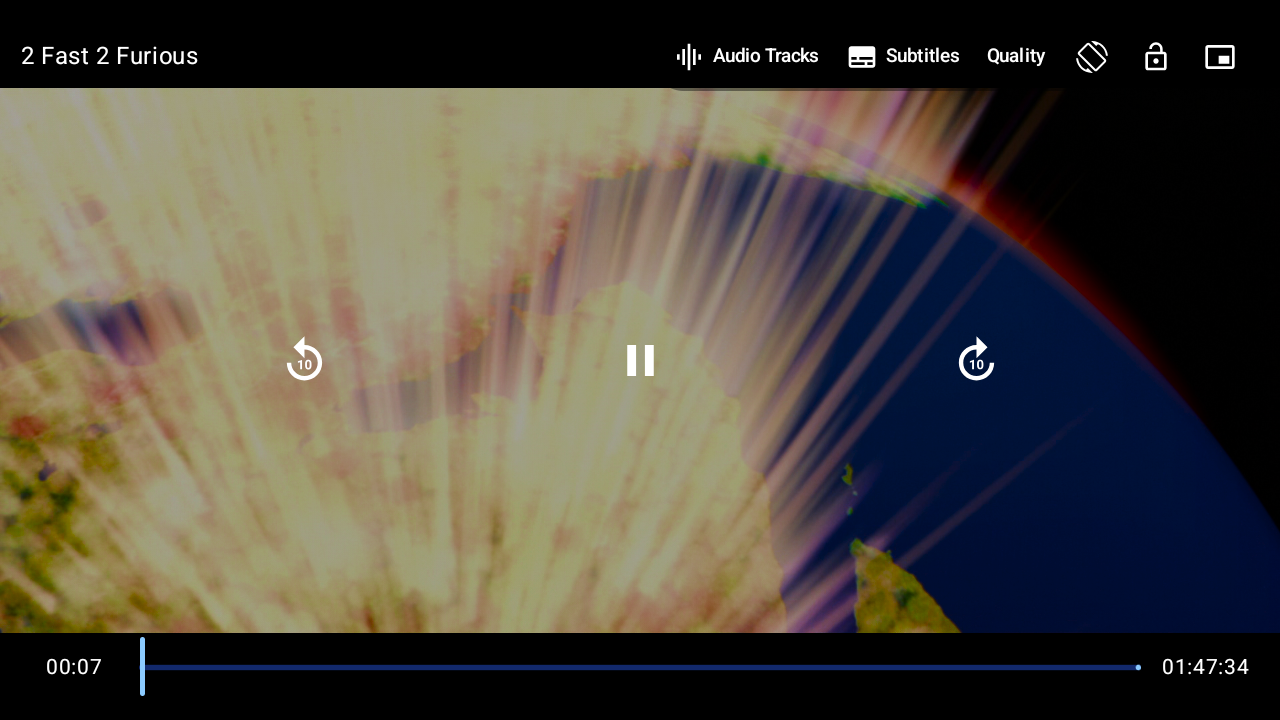
App images are for illustrative purposes only. Channels and content shown are examples and are not provided by LumaPlay.
Plex already does the essential job of serving your library, and its basic local playback is free. LumaPlay is for people who want a different, more TV-focused way to browse and watch. If that difference does not matter to you, there is no reason to pay.
Browse libraries, genres and collections with remote-friendly navigation, clear focus and a layout designed for the big screen.
Resume or restart, choose from available audio and subtitle tracks, and set your preferred playback defaults.
Use the Plex experience—or connect an Xtream Codes playlist—then manage named devices from one account.
Every private plan is billed yearly. The limit is the number of devices active at one time. Removing a device frees its slot.
Your Plex server, library and Plex account stay yours. A LumaPlay plan gives your household app access on the number of screens you choose, with device names and self-service removal. One plan can also keep Plex and Xtream Codes login available in the same player.
For a few screens at home.
Room for your family’s devices.
Share LumaPlay across more screens.
A LumaPlay plan covers the app licence only. Your Plex account, Plex server, provider subscription and media are separate.
Provider plans set the maximum number of active devices across your customer base. A code uses a slot only after a device activates.
Give customers a consistent app and a simple way to activate their own devices. The provider area is designed to let you issue time-limited codes, see active devices, and revoke a device when a customer replaces it—without treating code creation as a lifetime device quota.
Planned codes are single-use invitations and expire after 24 hours if they are not activated. Removing a device returns its slot to your provider allowance.
Your LumaPlay code activates the app. Your Plex or Xtream Codes sign-in connects the media service you already use.
Account registration and the seven-day trial are being prepared.
When accounts open, one-time codes will expire after 24 hours if unused.
Device naming and self-service management will be available with account access.
Private plans can update the Xtream Codes server URL up to four times per calendar month. Provider licences remain tied to the provider’s configured URL.
LumaPlay is a media player and user interface only; it does not provide or host content. LumaPlay is not affiliated with any content provider and does not endorse the use of illegal content sources. To watch content, you must add your own playlists and media servers. Beyond the free trial, app access unlocks LumaPlay features only; it does not include or provide access to any channels, streams or media. Use LumaPlay only to access content you have the legal right to view. LumaPlay is independent and is not affiliated with Plex, Inc. Plex is a trademark of Plex, Inc.; any Plex subscription or provider service is separate.